Themes
Colour themes for Devot, each a small plugin at no extra cost. A theme colours the whole app: the sidebar, the note list, the editor, code blocks and highlights.
In Devot 1.1.8 or later, open Settings > Plugins and install a theme from Official Plugins, or download its archive here and choose Install from Archive. Then pick it in Settings > Appearance, for Light Mode, Dark Mode or both. More on plugins
Catppuccin
DownloadThe Catppuccin themes in soothing pastels: Latte for Light Mode; Frappé, Macchiato and Mocha for Dark Mode. Needs Devot 1.1.8.

Catppuccin LatteLight Mode 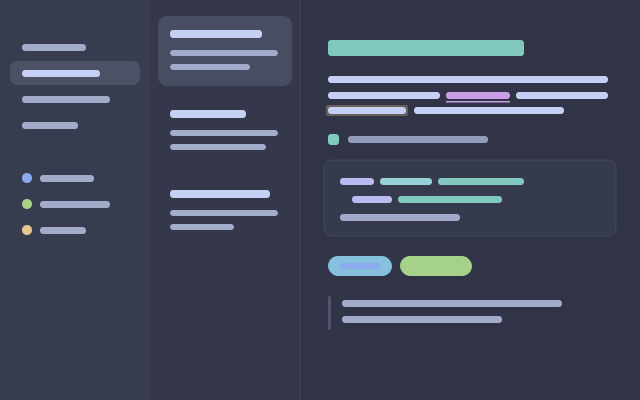
Catppuccin FrappéDark Mode 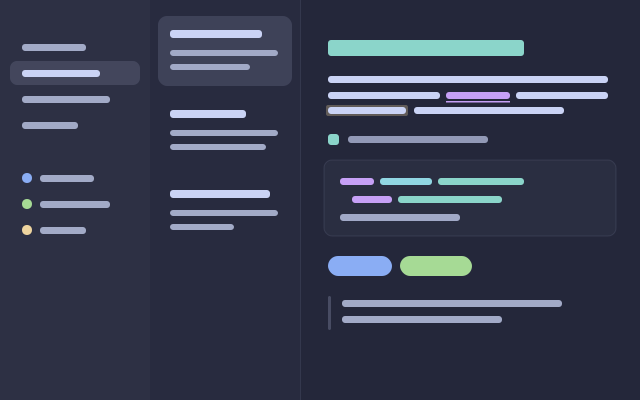
Catppuccin MacchiatoDark Mode 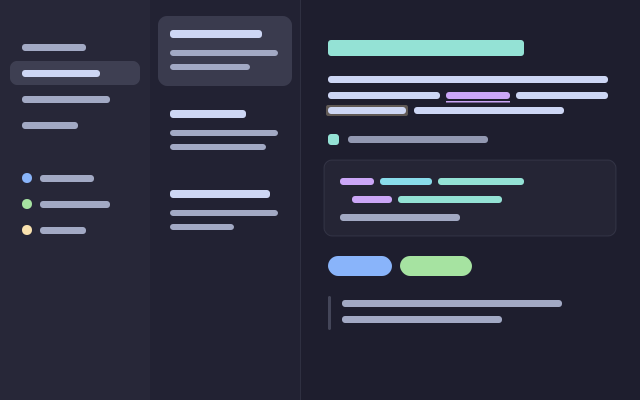
Catppuccin MochaDark Mode
Tokyo Night
DownloadThe Tokyo Night themes in blues and violets: Tokyo Night Light for Light Mode; Tokyo Night and Storm for Dark Mode. Needs Devot 1.1.8.
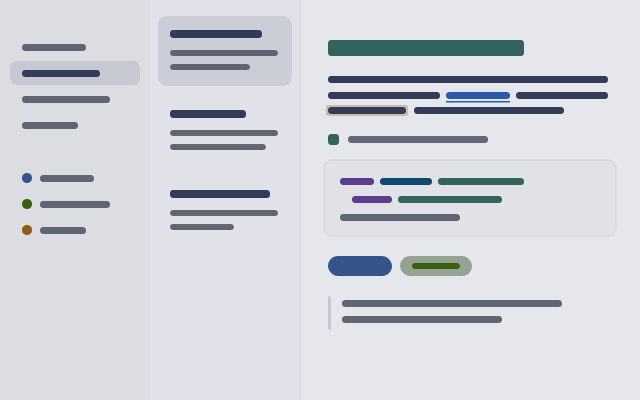
Tokyo Night LightLight Mode 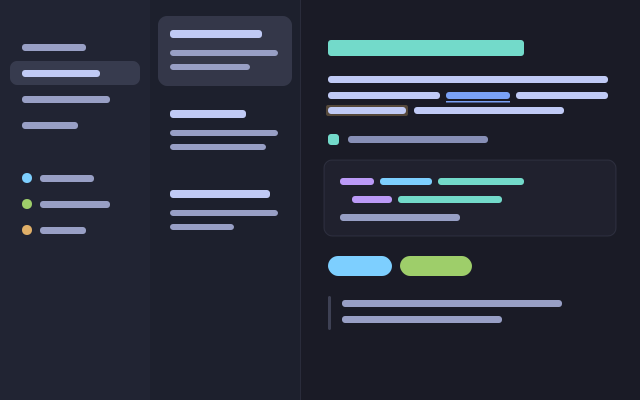
Tokyo NightDark Mode 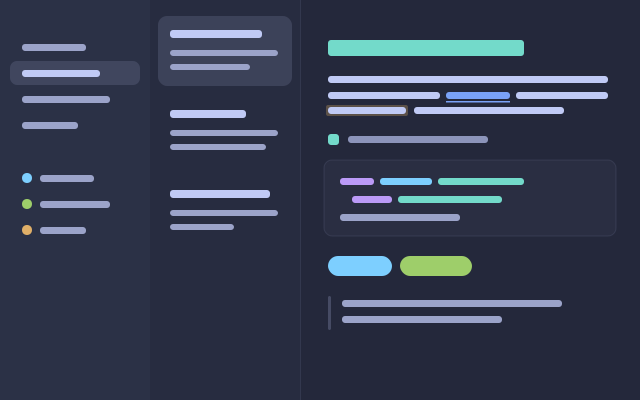
Tokyo Night StormDark Mode
Dracula
DownloadThe Dracula theme, vivid purple, pink and green on deep gray, for Dark Mode. Needs Devot 1.1.8.
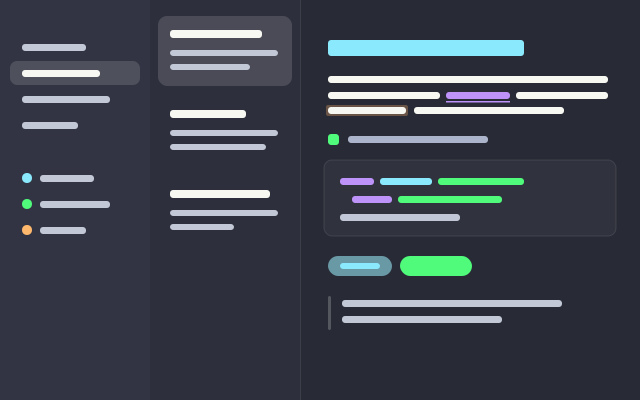
DraculaDark Mode
Nord
DownloadThe Nord theme of calm arctic blues and frosted grays, for Dark Mode. Needs Devot 1.1.8.
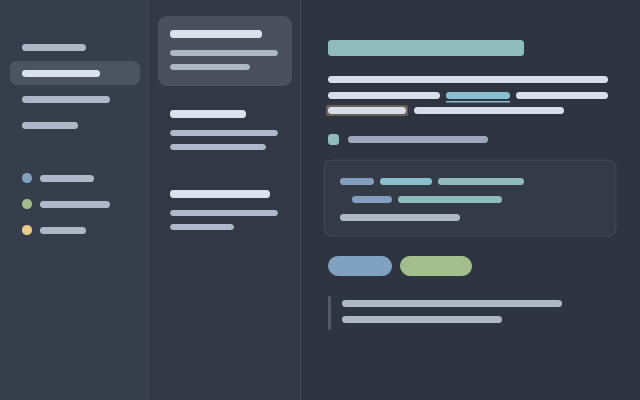
NordDark Mode
Gruvbox
DownloadThe Gruvbox themes in warm retro browns, yellows and greens, for Light Mode and Dark Mode. Needs Devot 1.1.8.
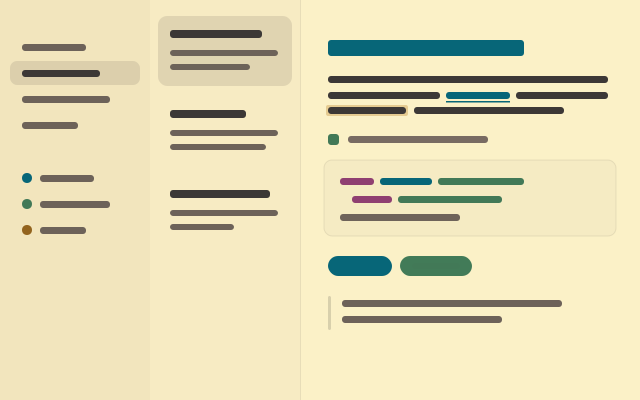
Gruvbox LightLight Mode 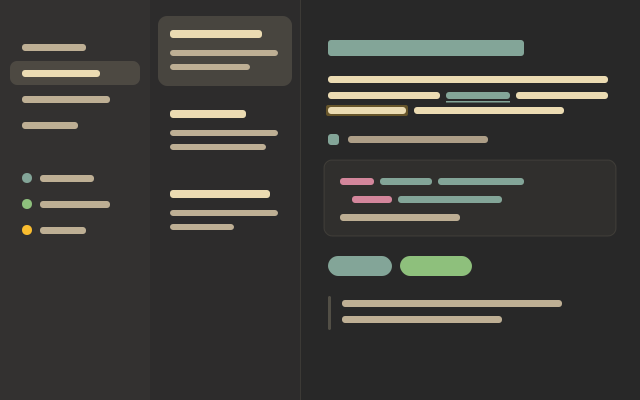
Gruvbox DarkDark Mode
Solarized
DownloadThe Solarized themes of cream and deep teal, for Light Mode and Dark Mode. Needs Devot 1.1.8.
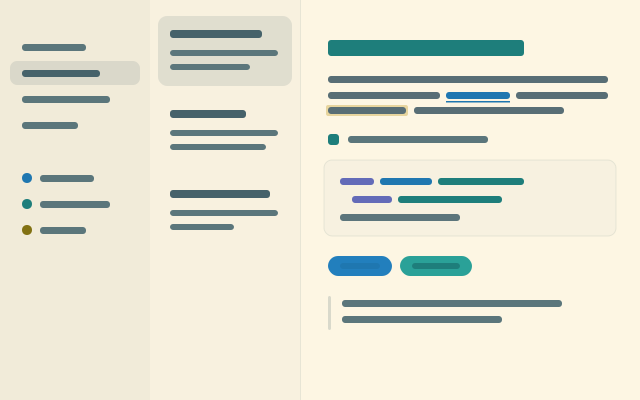
Solarized LightLight Mode 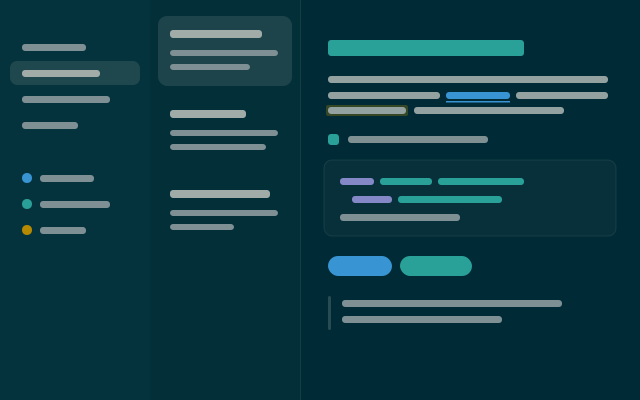
Solarized DarkDark Mode
Rosé Pine
DownloadThe Rosé Pine themes in muted rose, pine and gold: Dawn for Light Mode; Rosé Pine and Moon for Dark Mode. Needs Devot 1.1.8.
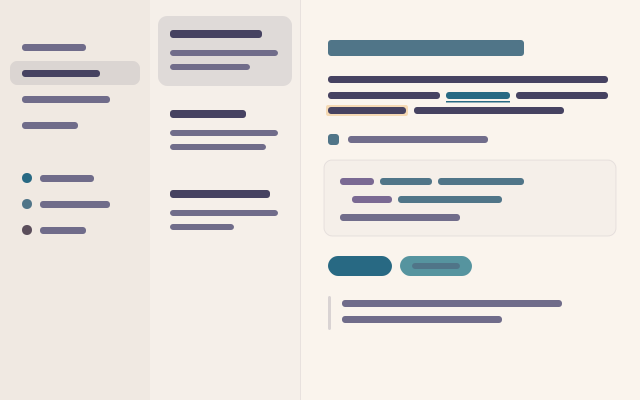
Rosé Pine DawnLight Mode 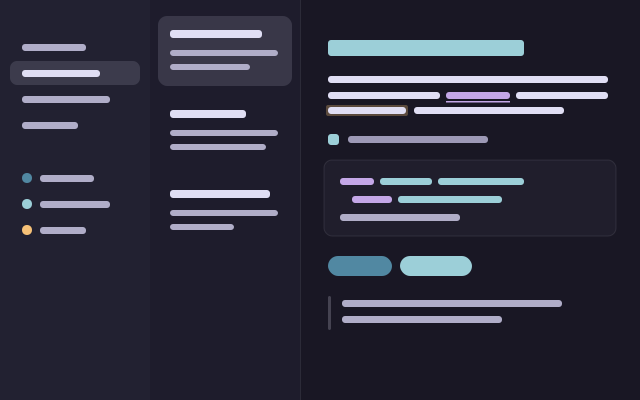
Rosé PineDark Mode 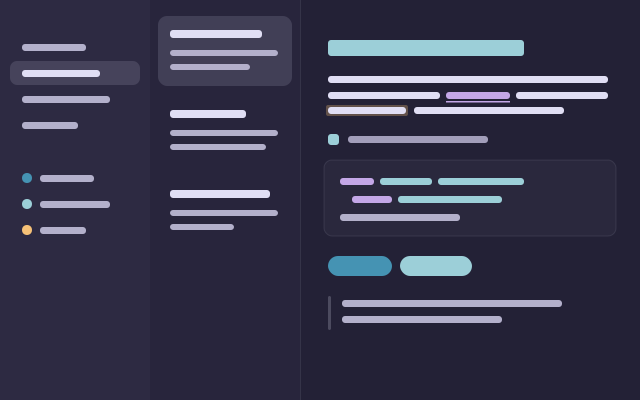
Rosé Pine MoonDark Mode
One Dark and Light
DownloadThe One themes of cool grays and soft colors: One Light for Light Mode, One Dark for Dark Mode. Needs Devot 1.1.8.
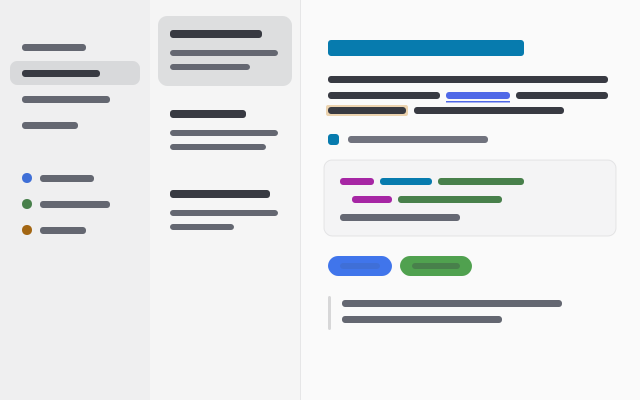
One LightLight Mode 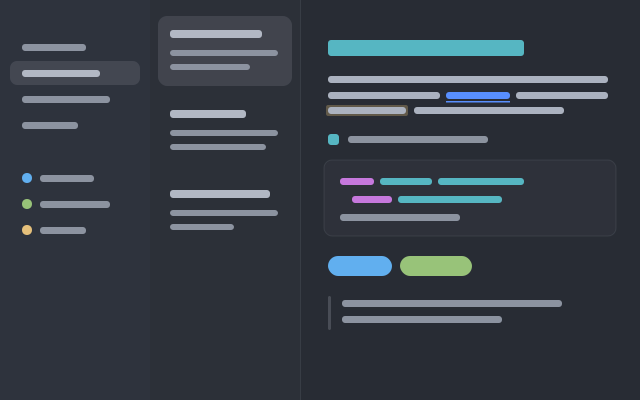
One DarkDark Mode